
Every time you type something into Google, you are giving every detail of yourself. It does not just answer your questions, it remembers them. However, DuckDuckGo does none of that.
For many people who want private access to the regular internet, DuckDuckGo is the reason to leave Google behind.
But what exactly is DuckDuckGo, how does it actually work, why you should use it, and is it the right move for you in 2026? Let’s break it all down.
What is DuckDuckGo?
DuckDuckGo is a search engine just like Google, Bing, and Yahoo. But it has a strong focus on privacy, and it does not track, store, or share personal data. Your searches are not linked to user profiles, and it avoids personalized tracking that fuels targeted advertising.
History
DuckDuckGo was started in 2008 by Gabriel Weinberg. The main purpose of this search engine was to be a tool for privacy-conscious people who were tired of being watched. In 2014, Apple added DuckDuckGo as a built-in search option to Safari on iOS 8 and OS X Yosemite. This move introduced DuckDuckGo to hundreds of millions of Apple users overnight.
In 2016, DuckDuckGo had over four billion anonymous searches. And in 2021, this number beat and has over 100 billion anonymous searches. After that, it expanded from a search engine into a full privacy ecosystem and developed:
- Browser extensions
- Mobile apps
- Desktop browser for Mac and Windows
- Email protection service
- VPN
- Identity theft protection
How DuckDuckGo Works
Here is the part most people are curious about: if DuckDuckGo does not track you, how does it even work as a search engine?
Well DuckDuckGo shows search results from multiple sources. Most of the results come from Microsoft Bing index and from the DuckDuckGo web crawler. It had partnerships with sources like Wikipedia, Yelp, and Apple Maps for local business info. The results are then mixed and served to you without attaching any identifying data.
The *data* used to generate results may come from Bing. But DuckDuckGo does not share who is searching for what. Your search request is not tied to a user profile. Your IP address and history are not stored.
However, if you think about how DuckDuckGo makes money? We it does, but not the way Google does. It does not sell ads based on who you are and what you have done online. DuckDuckGo actually helps contextual ads based only on what you are searching for right now. So, if you search for “best running shoes,” you might see a shoe ad. This ad appears because DuckDuckGo knows you have been researching marathon training for three months. It is shown because the keyword matches.
The advertising network of Microsoft manages the ad clicks. And Microsoft has agreed not to associate ad-click behavior with user profiles. It is a privacy-respecting version of the advertising model that most of the internet runs on.
Privacy Features
If you prefer privacy on the internet, DuckDuckGo is best for you. Here are some reasons why you people use it.
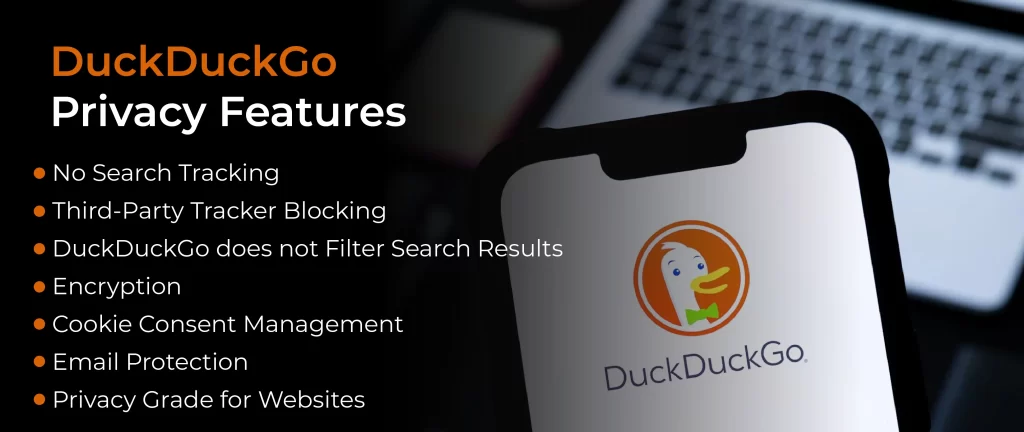
No Search Tracking
DuckDuckGo allows you to search the web without compromising your privacy. However, Google tracks your device’s location tag and knows much more about you, what you have searched for, and which links you click. It also sees your name, address, and credit card numbers. For example:
- Your name and searches are linked if you are logged in to Google Web Search and Facebook.
- Your IP address and searches are linked if you are not logged in to Google Web Search.
- Your mail and searches are connected if you have subscribed to a newsletter site or mailing list like CNN.
Data linking enables tracking your activity on multiple sites over time. Like remote browsing modes, such as incognito mode, where your cookies are removed after every session.
Third-Party Tracker Blocking
Hidden trackers lurk on the vast majority of popular websites — by DuckDuckGo’s own estimate, around 85% of sites carry them. These trackers, often placed by Google, Facebook, and dozens of data broker companies, record your behavior as you move around the web and feed that information back into the advertising machine.
DuckDuckGo’s browser and extension block these trackers by default. You don’t have to configure anything or install extra tools. The protection is on from the moment you start browsing.
DuckDuckGo does not Filter Search Results
DuckDuckGo does not personalize your search results based on your previous requests. It means you will be stuck in a filter fizz where your search results are shaped. It is very helpful if you are researching privacy tools, security techniques, or controversial topics. DuckDuckGo shows search results from sources like Wikipedia, Bing, and Yahoo to offer broader, less-biased data.
Encryption
DuckDuckGo automatically upgrades your connection to HTTPS whenever an encrypted version of a website is available. They maintain a running list of sites that support encryption and push you toward the secure version automatically. The result: over 80% of the sites you visit end up being encrypted connections, reducing the risk of your data being intercepted.
Cookie Consent Management
Cookie pop-ups are annoying, and most people click “accept all” just to make them disappear. DuckDuckGo’s browser detects these pop-ups and, where possible, automatically opts you out of non-essential cookies. So you never even see the banner. It’s one of those features that sounds small until you realize how often you were being silently enrolled into data collection just by clicking through a dialog box.
Email Protection
DuckDuckGo also offers a free email forwarding service. It has tracking pixels in incoming emails before they reach your inbox. When you send emails with invisible tracking images, they can see exactly when you opened the email, from what device, and roughly where you are. However, the email protection service of DuckDuckGo stops those messages, removes the trackers, and forwards a clean version to you.
It also lets you create private email aliases on the go. So, you can give out a @duck.com address instead of your real one. If that alias starts getting spammed, you can simply delete it.
Privacy Grade for Websites
When you browse with the app or extension of DuckDuckGo, just tap a small shield icon to see a Privacy Grade for any site you are visiting. It rates the tracker behavior and security level of a website. So, you can see how much data the site is trying to collect from you.
Global Privacy Control
DuckDuckGo browser sends a Global Privacy Control signal to websites you visit. It tells them not to sell or share their personal data. While it depends on the website and local laws.
What Is the Dark Web?

The dark web is an intentionally hidden layer of the internet that you can access using special software, the Tor Browser. Dark net sites don’t use regular .com or .org domains. They use .onion addresses. These URLs are long, encrypted strings of random characters only used in the Tor network. These addresses are not broken URLs. They are intentionally designed to be anonymous, untraceable, and inaccessible without Tor.
Keep in mind that the dark web is not basically criminal. It was built for anonymity for journalists communicating with sources, activists in authoritarian regimes, whistleblowers, and privacy advocates.
Legitimate and trustworthy organizations, including the New York Times, ProPublica, and even the CIA, have .onion websites. The same structure that protects a journalist in a dangerous country.
However, if you access the dark web, DuckDuckGo offers a safer alternative for research without exposing your search history to business scrutiny. While it does not index Dark Web pages directly, some users configure Tor Browser to use DuckDuckGo as the default search engine for added privacy on the surface web before exploring .onion sites.
Why DuckDuckGo Is the Default Search Engine Inside Tor
When you open the TOR browser, you see DuckDuckGo as a default search engine. At this moment, many people think that it must be the gateway to access the dark web. But it’s not the reason.
Before 2016, DuckDuckGo used the Meta Disconnect search engine. It grabs search results from multiple providers. But the Google search engine removes the Disconnect access, and it goes to Bing. Here, the quality of Disconnect dropped, and the TOR replaced it with DuckDuckGo, and it became the default search engine for the Tor browser. This search engine meets all the requirements of Tor, as it doesn’t collect personal information, user profiles, or search history.
So, DuckDuckGo in the Tor Browser gives you private, anonymous access to the surface web. It is not a dark web search engine. It is just a privacy-focused search engine that works with the Tor network.
Onion Mirror of DuckDuckGo
DuckDuckGo has its own .onion URL. Here is the active .onion link of DuckDuckGo:
duckduckgogg42xjoc72x3sjasowoarfbgcmvfimaftt6twagswzczad.onion
You can access this with the Tor Browser. When you open this link, it works as a regular DuckDuckGo website, exactly like the regular DuckDuckGo website. You will not see any dark web content, no .onion sites. It just works inside the Tor network.
But here is the question: why does it exist, and what’s the point of its onion version?
Well, there are 2 main reasons.
1. Protect Exit Node
Suppose when you use Tor to open your Facebook, your traffic in the end leaves the Tor network through an “exit node”. It is the final relay before reaching its destination. It can see which site you are connecting to, but it can’t see what you are searching for.
However, when you use the onion version of DuckDuckGo, your traffic never exits the Tor network. The contact from your device to DuckDuckGo stays encrypted within Tor. It means the exit node problem disappears completely.
2. Bypass Censorship
Some countries have blocked the DuckDuckGo search engine. In this region, people can still use its .onion version with the TOR browser. So, if you want to access private search and live under restrictive internet controls, you can still use it without any workaround. In 2010, DuckDuckGo introduced anonymous searching through Tor.
Also, keep in mind that the v2 onion address has since been replaced with the more secure v3 onion address in 2021.
How to Use DuckDuckGo With Tor Safely?
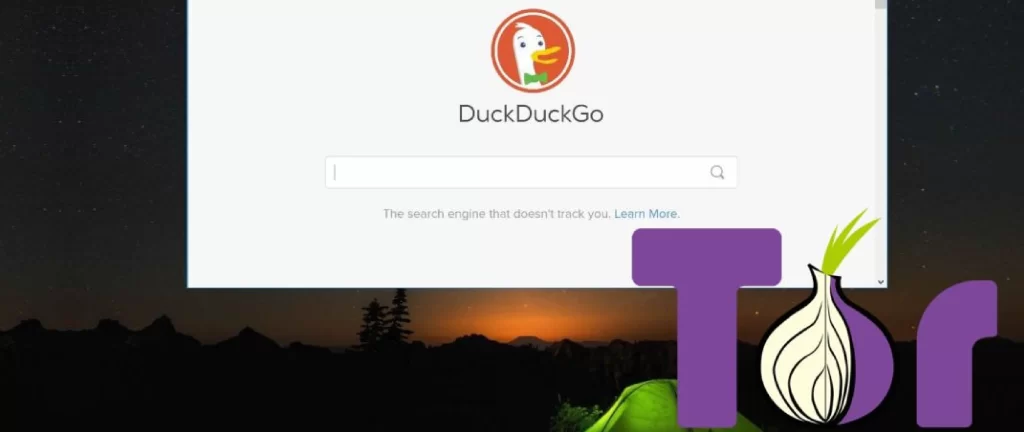
If you want to use DuckDuckGo with the Tor browser, here are the simple and easiest steps by which you can use it safely.
- Download the Tor Browser from the official source, like torproject.org. Downloading the Tor browser from any other download source is a real risk as most of them contains threat and malware. This installer is free and available for Windows, Mac, Linux, Android, and iOS.
- After downloading Tor, install it and open Tor Browser. When you connect it, DuckDuckGo loads automatically as the default search engine. You can start using it immediately for surface web searches.
- Switch to the .onion version. Go to duckduckgogg42xjoc72x3sjasowoarfbgcmvfimaftt6twagswzczad.onion. This keeps all the traffic inside the Tor network and removes the exit node exposure fully. Moreover, some versions of Tor Browser will prompt you to use the .onion version automatically when visiting DuckDuckGo.
- Use a dedicated dark web search engine to explore .onion sites. If you want to go through the dark websites, you’ll need Ahmia or a related tool. Ahmia is accessible at ahmia.fi on the surface web or through its .onion address inside Tor.
- It is recommended not to click on unfamiliar .onion links without verification from a trusted source. Don’t log into personal accounts while using the Tor browser. Don’t enable JavaScript unless you have a specific reason to. Also, use a VPN before connecting to Tor for an additional layer of protection.
The Misconception About DuckDuckGo
DuckDuckGo does not index .onion sites, and it has no crawler that works with the Tor network. If you search for an .onion address on Tor through DuckDuckGo’s .onion version, you will not get results from the dark web. Instead, you will get surface web results about the dark web. And there’s a difference between results about the dark web and dark web results.
Now, a question arises as to why DuckDuckGo can’t index .onion sites?
Well, because the Tor network itself makes it difficult and .onion addresses aren’t registered in any public DNS system. They are generated as a 56-character address that shows the public key of the server hosting the site. Also, the search engine needed to actively run inside the Tor network, which is designed to discover and index .onion addresses, to return dark web results.
What DuckDuckGo Can and Can’t Do
DuckDuckGo CAN:
- It allows private, anonymous searches inside Tor with no tracking.
- Run within the Tor network via its .onion address. It protects you from exit node exposure.
- It helps you research dark web topics, news, security data, and context on the surface web without tracking your searches.
- If you are in countries where duckduckgo.com is blocked, its .onion version bypasses ISP-level censorship.
- It blocks third-party trackers and protects your browsing data through its browser and extension.
DuckDuckGo CAN’T
- It does not Index, search, or display .onion sites or any dark web content
- Tor handles network anonymity, and DuckDuckGo handles search privacy. They are both complementary, not interchangeable.
- It protects you from malicious .onion sites, scams, malware, or phishing.
- DuckDuckGo is a search engine, not an anonymizing network like TOR.
- It tells you a dark web link is safe, live, or legitimate.
Is This Legal? Should You Be Worried?
If you access the dark web, it is legal in most countries. If you use Tor, it is legal. And if you use DuckDuckGo, it is obviously legal.
So, none of these tools is illegal, but what you do with them, and the vast majority of people using these tools are doing nothing illegal.
If you are a journalist, a researcher, a privacy advocate, or you just want to browse without being tracked, there is nothing to worry about. But the misunderstanding that “the dark web is related to criminal activity” is inaccurate. The dark web is a part of the internet with strong privacy properties.